
.webp)
.webp)

.webp)
Running the latest web browser.
Recommended (Safari / Chrome)
iPhone / iPad iOS 15 +
Android 12 +
Running the latest web browser.
Recommended (Chrome / Edge / Safari)
A minimum connection of 5Mbit is recommended for smooth video playback at medium to high quality.
On poor internet connections the application will reduce the quality based on the available speed.
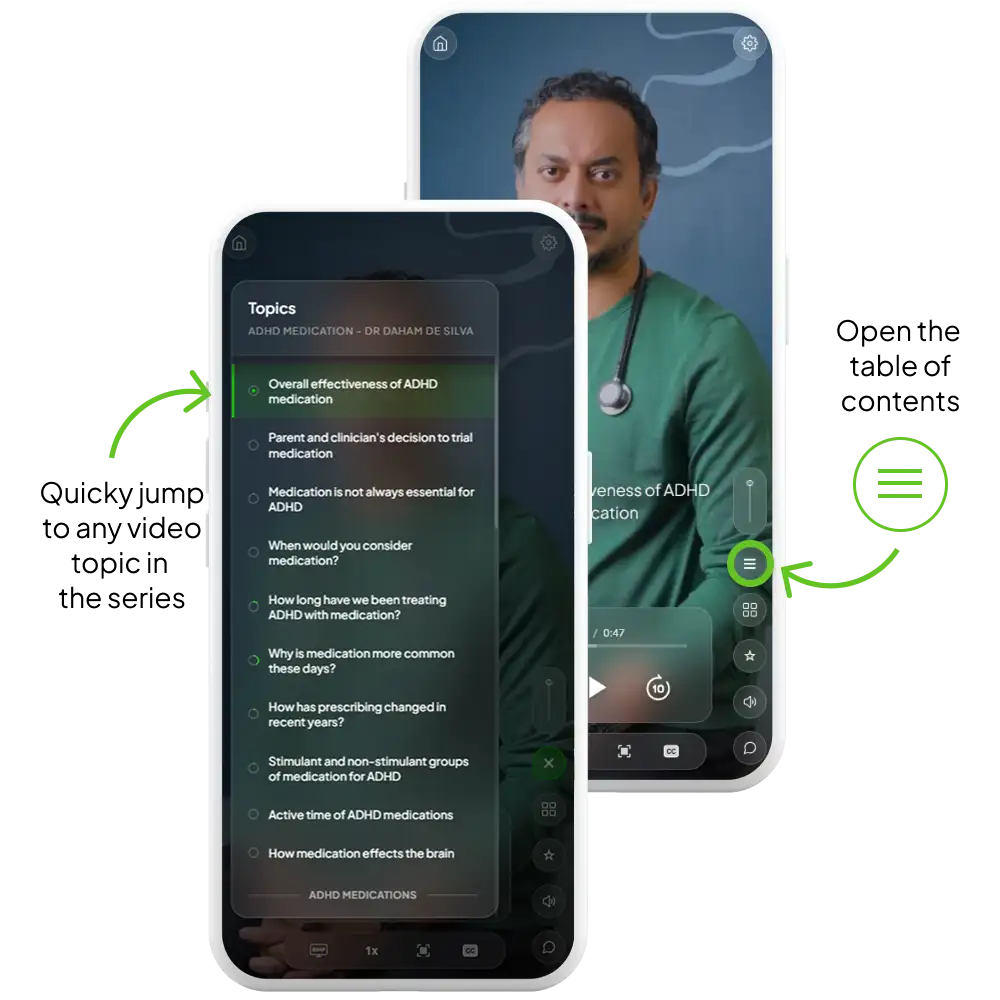
You can manually set the quality in the playback control bar.
Provided your mobile device runs the required browser and OS older phones are compatible.
Alternatively you can also watch the series on your computer or tablet.
Access is designed for one individual. The application will detect multiple logins and will logout additional sessions.
Please contact us for a referral discount code. We'd love to help you share this valuable learning experience.
Raised Well is a web-app, and plays in the browser on your device.
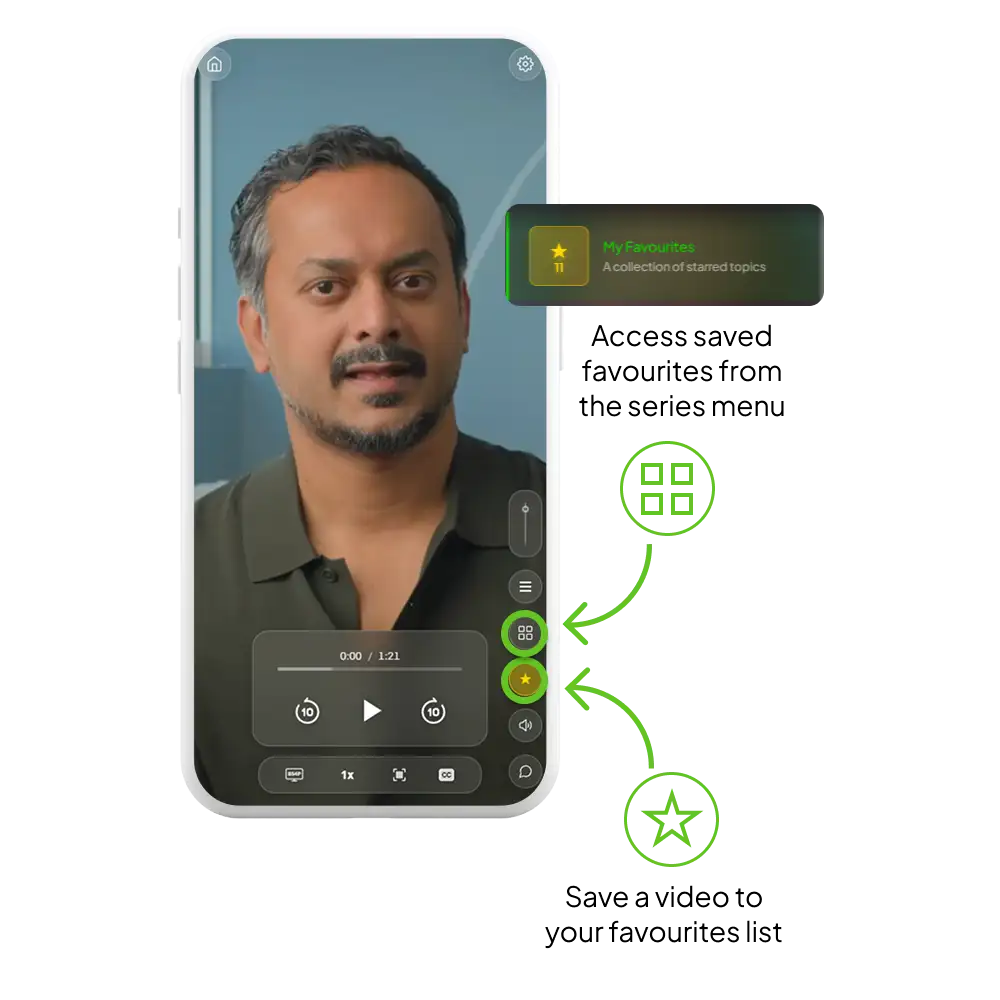
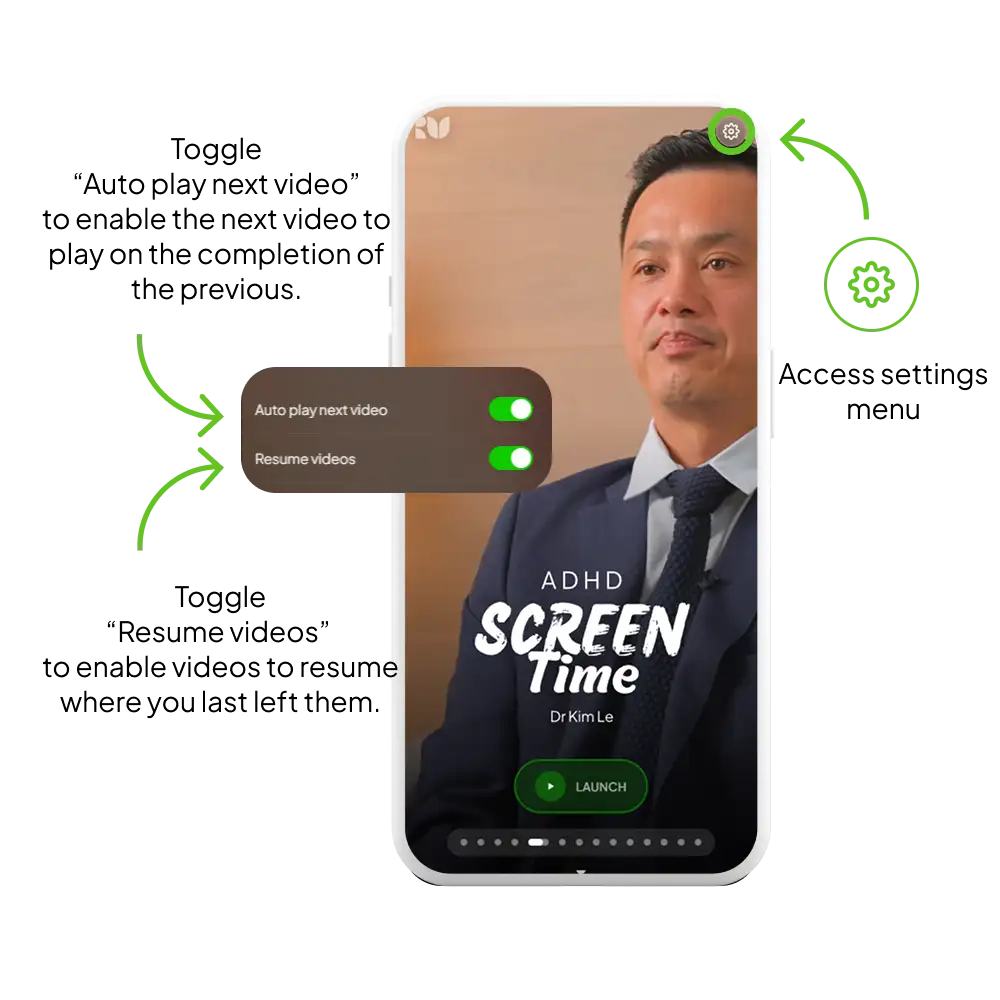
It supports touch interactions and navigation just like a regular app.
Bookmark the website and sign in from there.
Optionally, once logged in you can add the web-app to your home screen as a shortcut.